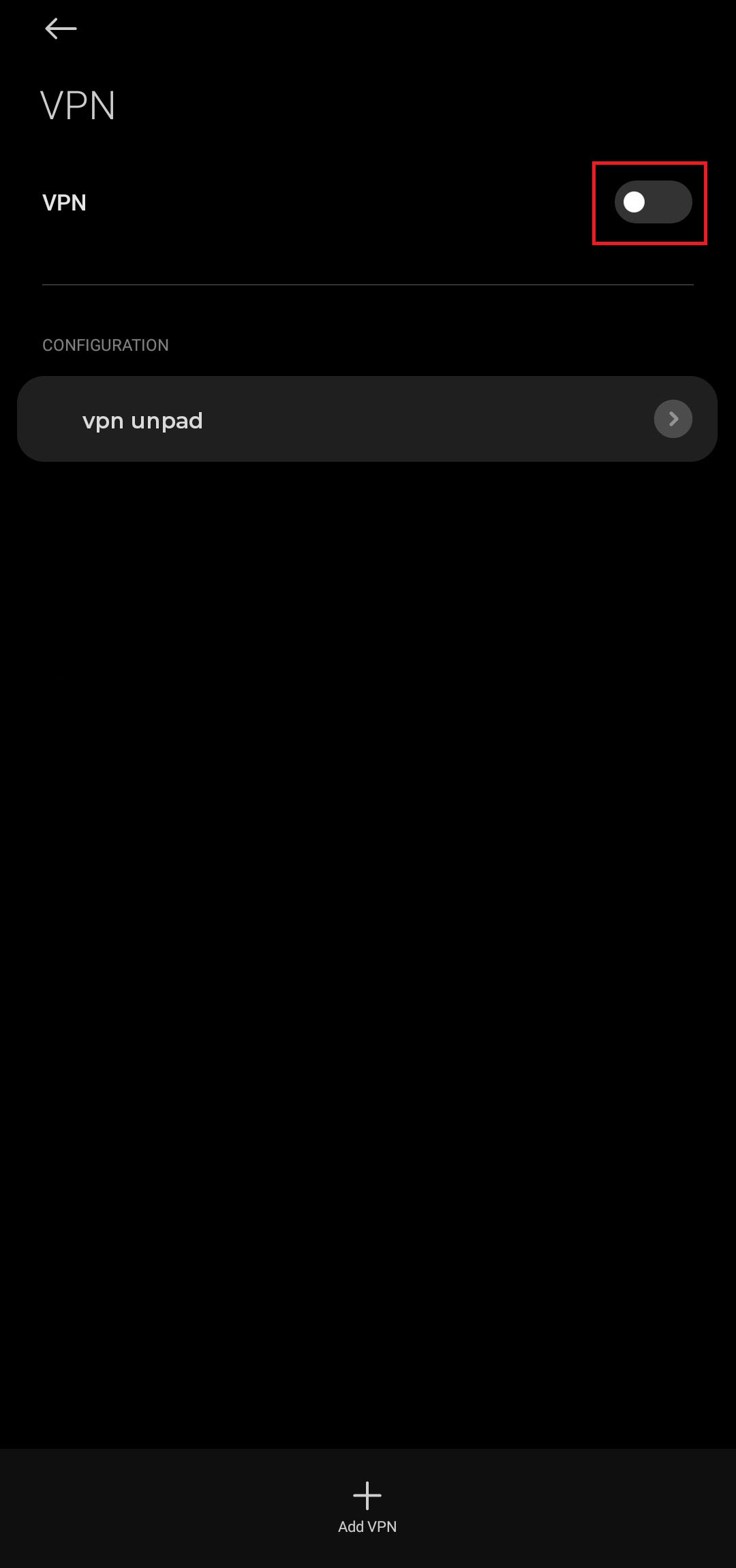
Konfigurasi VPN
Konfigurasi VPN
Panduan langkah demi langkah
-
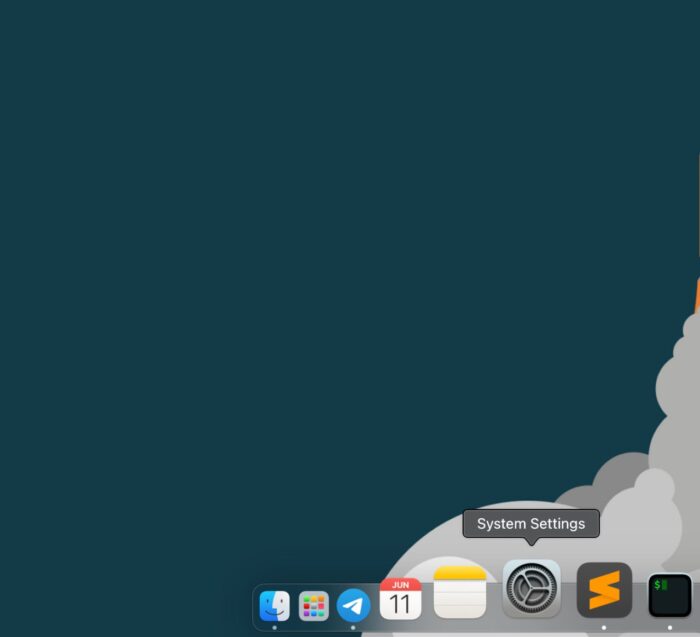
Pada fitur search, cari Setting lalu klik.
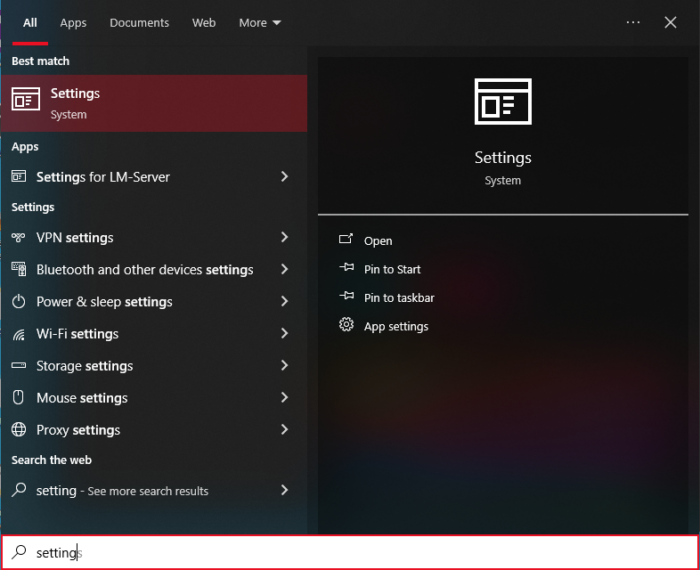
-
Search VPN Settings.
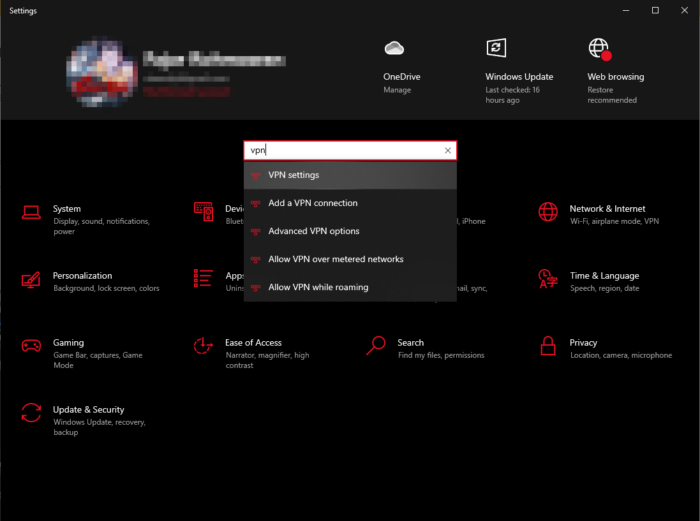
-
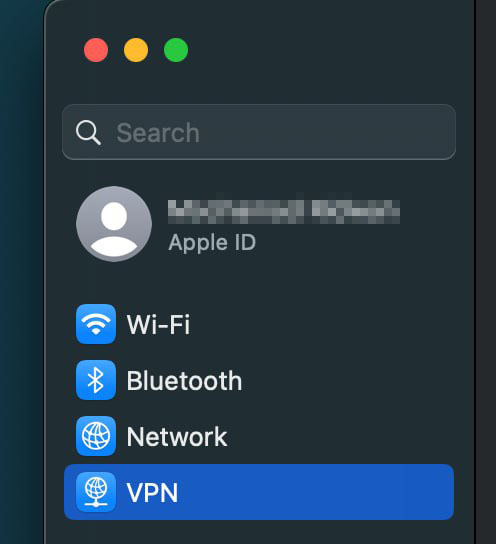
Pilih menu VPN, lalu Add a VPN Connection.
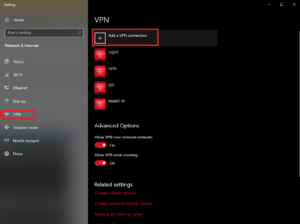
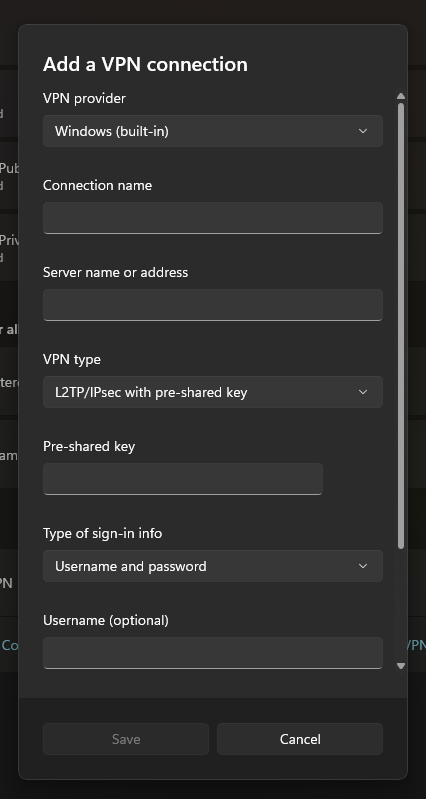
- Isi form Add a VPN connection
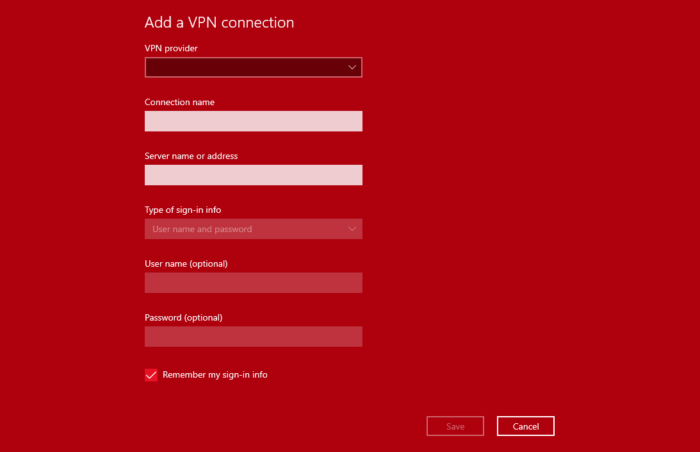
Langkah pengisian form Add a VPN connection pada windows 10 :
- VPN Provider : Windows (built-in)
- Connection name : Disesuaikan
- Server name or address :
vpn.unpad.ac.id - VPN type : L2TP/IPsec with pre-shared key
- Pre-shared key :
unpad - Type of sign-in info : Username and password
- Username : isi username
- Password : isi password Lalu klik tombol save
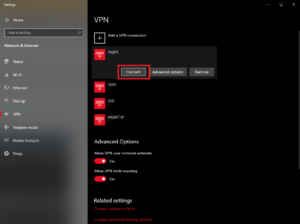
- Setelah tersimpan, klik tombol Connect.

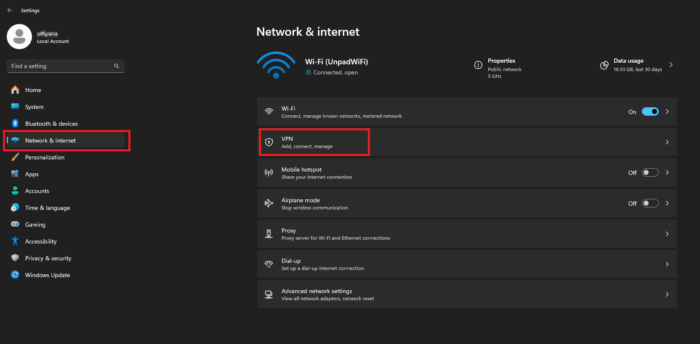
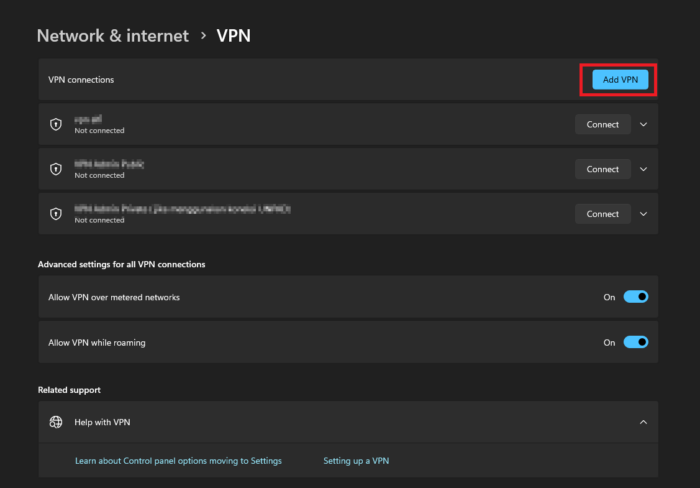
 Langkah pengisian form Add a VPN connection pada windows 11 :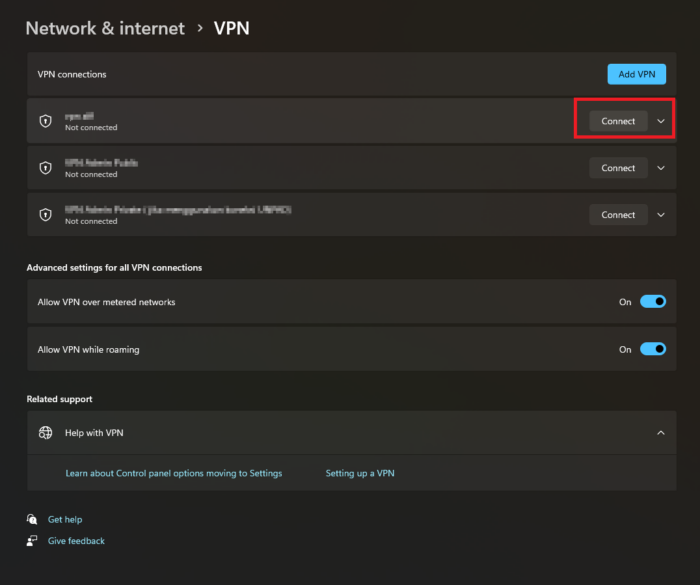
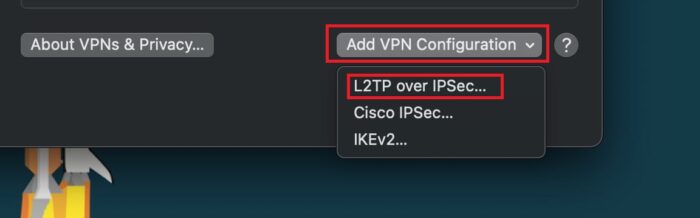
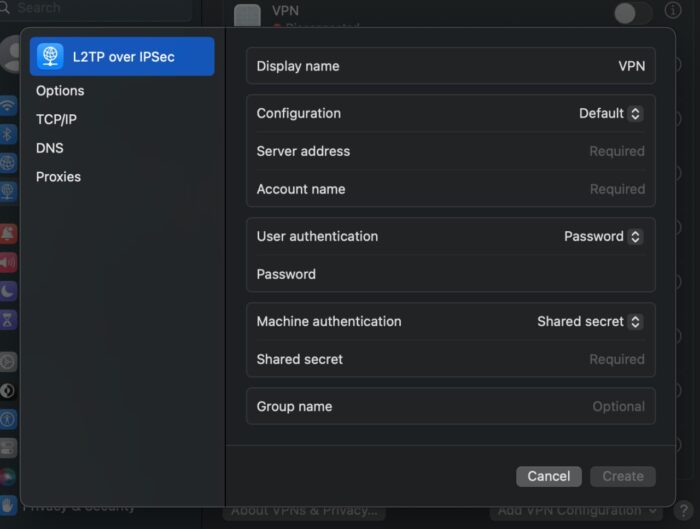
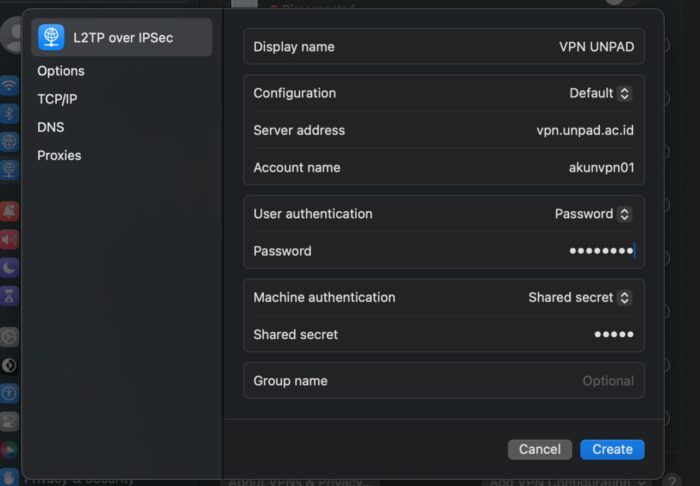
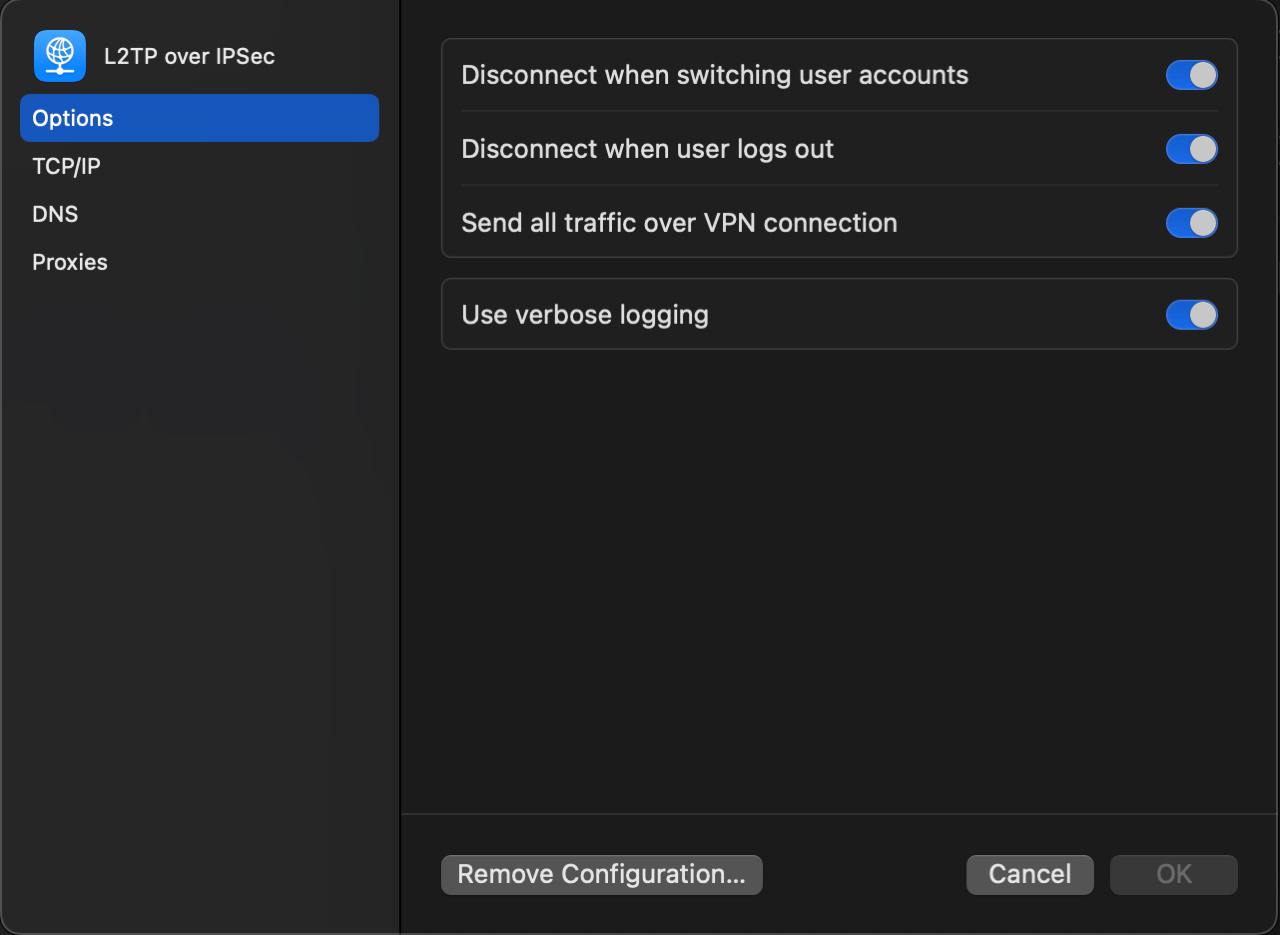
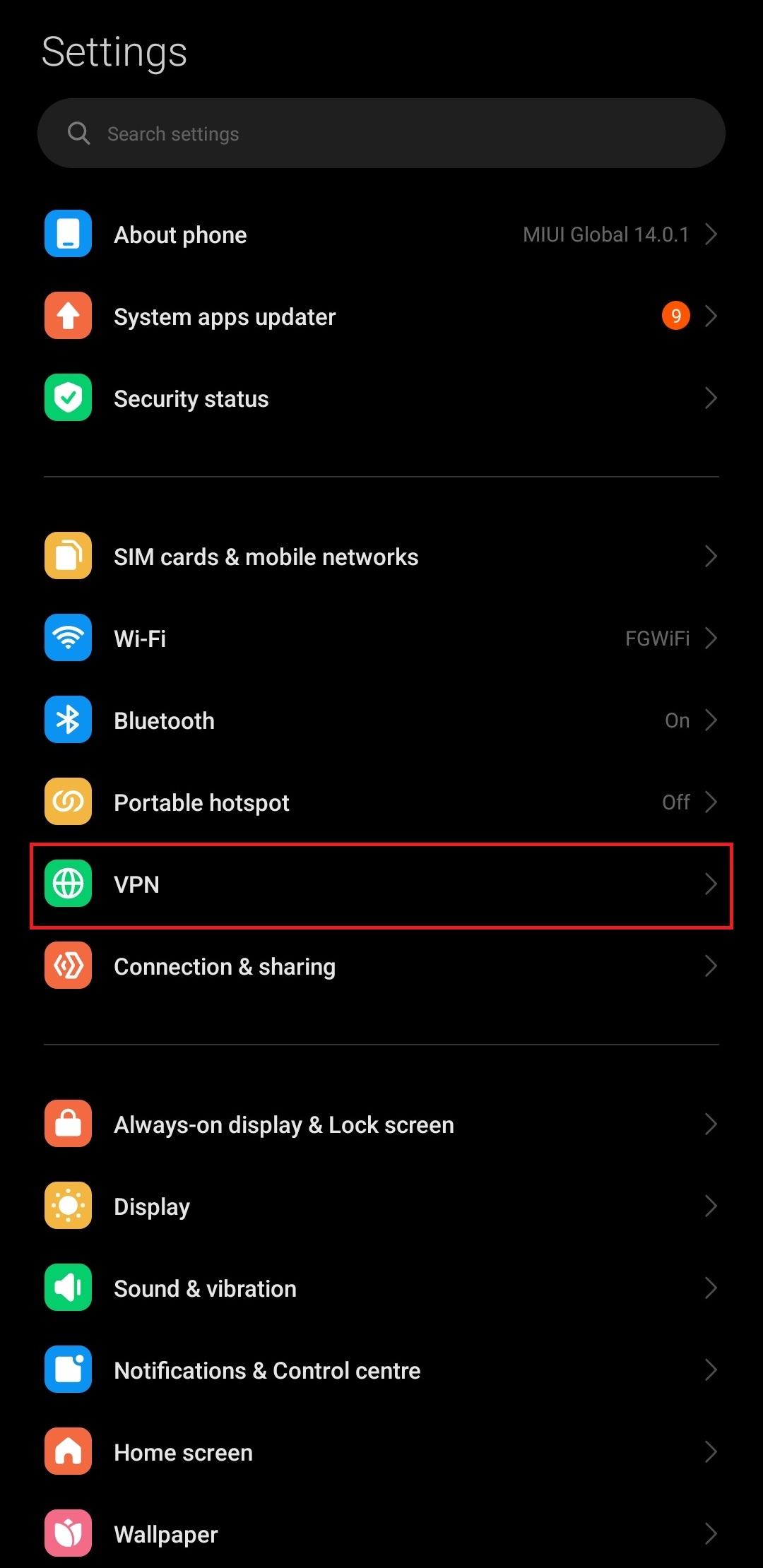
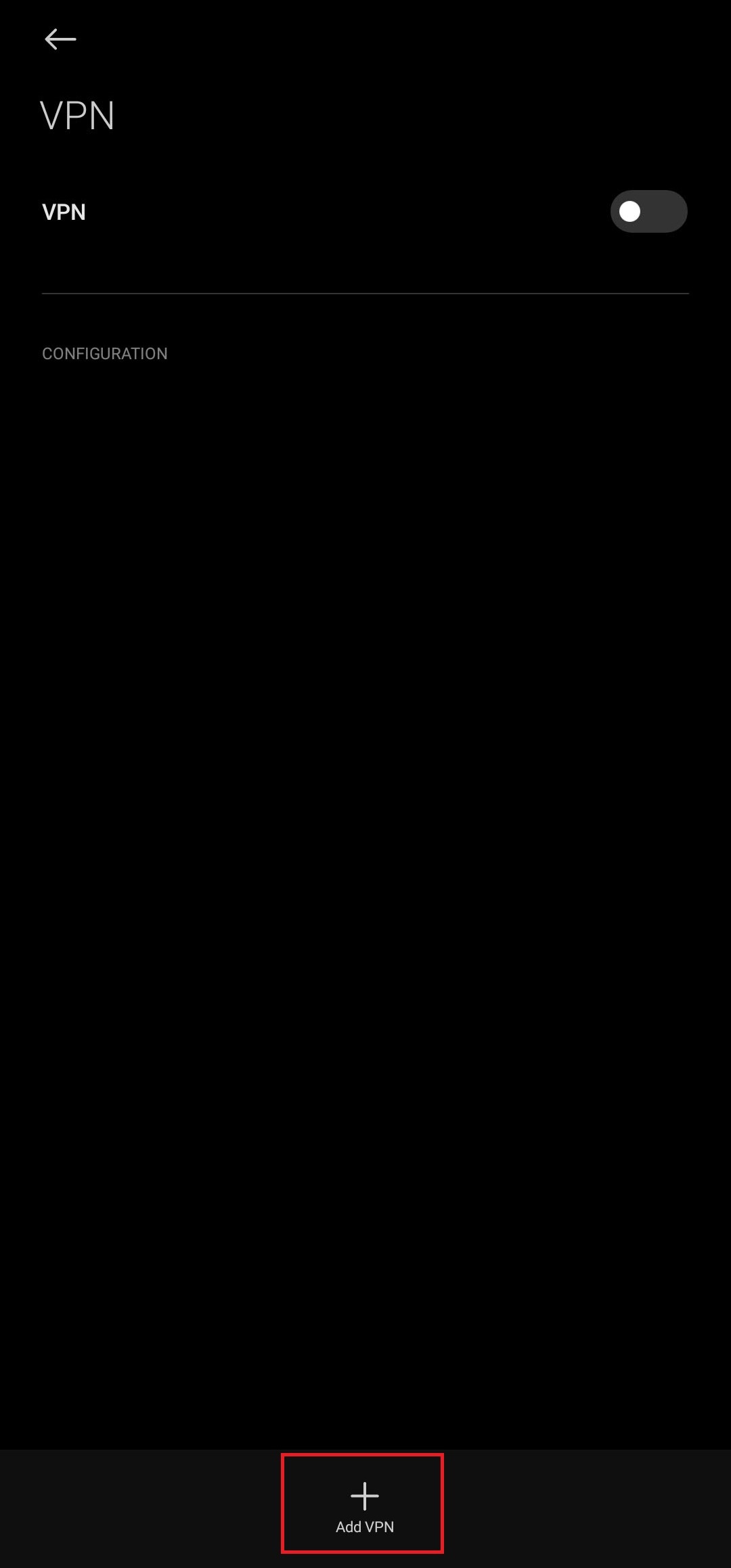
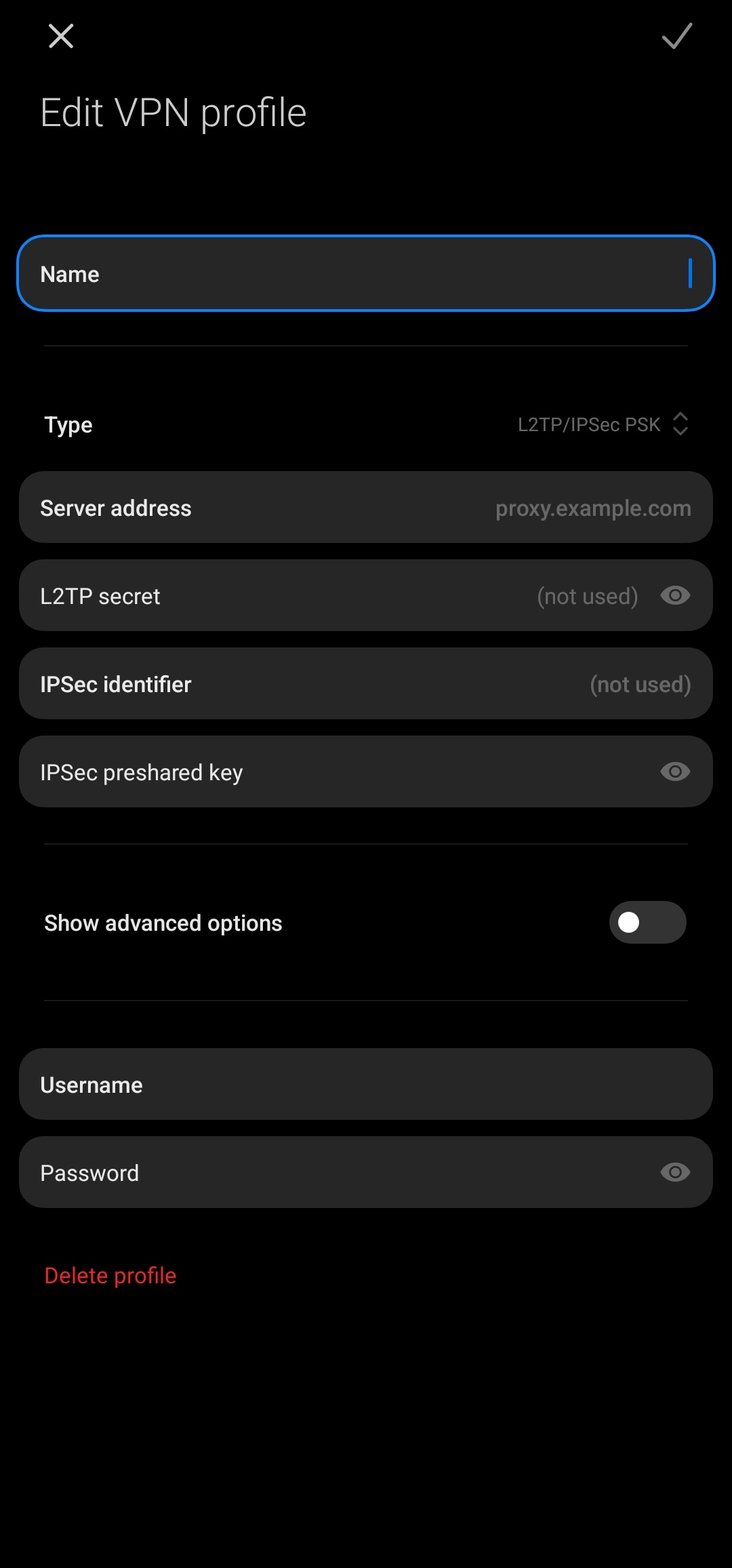 Langkah pengisian form Add a VPN connection pada windows 11 :